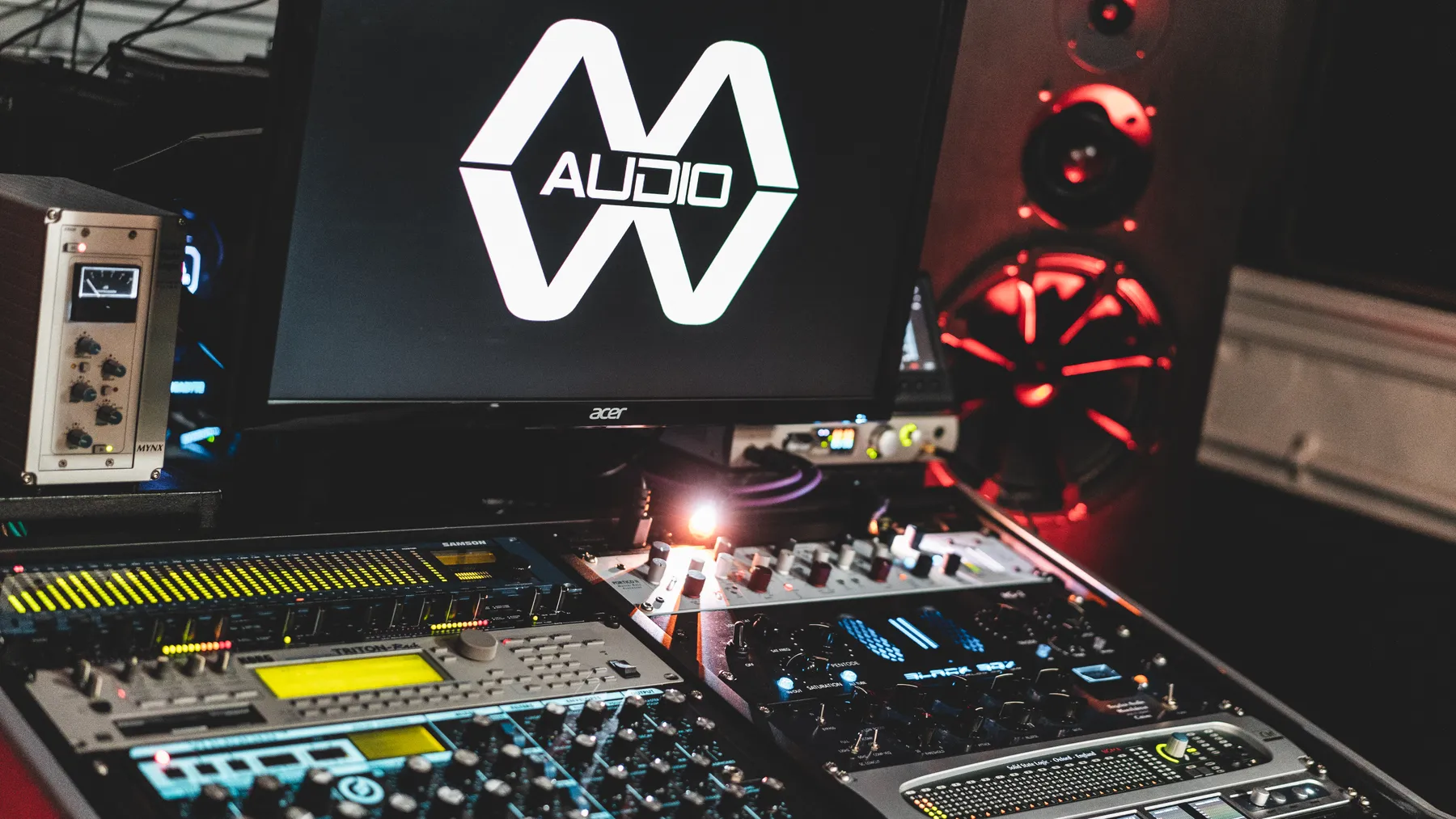
Everything you need to get your music ready for the session. And if something is unclear, you can always ask us.
01 / STEREO MASTERING
Send a clean mix.
16/24-bit PCM WAV or AIFF, 44.1 or 48 kHz.
Leave headroom; avoid peaks that clip.
Remove final limiting, normalisation and dithering.
Keep a little space at the start and end.
Name the file with the artist and track title.
Optionally add a reference, rough master and notes.
02 / MIX & MASTER
Keep your stems in sync.
Export 16/24-bit PCM WAV or AIFF stems at a matching 44.1 or 48 kHz sample rate.
Start every stem at the same point in the project.
Name stems clearly: kick, bass, vocals and so on.
Leave headroom and avoid clipping.
Include a rough mix and a reference track.
Ask us about creative effects or processing you want to keep.
THE DETAILS
Common questions.
Where is your studio, and can I send music from outside Leeds?
Most Wanted Audio is based at 94 Armley Road, Leeds, West Yorkshire, LS12 2EJ. We provide mixing and mastering for artists and labels across West Yorkshire, the UK and worldwide through remote projects. You do not need to travel to Leeds to work with us. Contact us by email or the enquiry form; our contact hours are 10am–6pm every day, UK time.
What should I send for stereo mastering?
Send your finished stereo mix as a WAV or AIFF as 16/24-bit PCM at 44.1 or 48 kHz. Leave headroom and avoid clipping. Export without a final limiter, normalisation or dithering. Include the artist and track title, any optional reference tracks and notes about your release.
How long does mastering take?
Stereo mastering normally takes 1–5 working days. Mixing and mastering normally takes 5–7 working days. Turnaround is counted Monday–Friday from when work can start, with payment and usable audio confirmed. The booking confirmation requests work to begin once payment and usable audio are confirmed. Contact us before ordering for weekend work or special timing requests. If you have a deadline or need a priority session, contact us before ordering so we can confirm availability.
What will I receive?
A stereo 24-bit WAV at the sample rate of the mix you supply. A 320 kbps MP3 is an optional £5 extra per delivered file. Tell us before the session if you need another format, a vinyl pre-master or an alternative version.
Is a revision included?
Stereo mastering includes one revision round. Mixing and mastering includes three revision rounds. These allowances apply per main track. Send your notes together so we can work through them clearly. We agree the scope and price of extra work before proceeding. An updated stereo mix of the same song can use an available included revision round. Once the allowance is used, a further mastering re-run is £15 per track, subject to scope confirmation and your agreement. Mixing replacements need an individual quote. Corrections of our own errors are free.
Do you master for vinyl?
Yes. We can prepare a dedicated vinyl pre-master for your release. Tell us you are releasing on vinyl before the session and send your track order, side lengths and any requirements from your cutting engineer or pressing plant. We will agree the delivery requirements and price with you before starting. Vinyl cutting and pressing are arranged separately.
How long do you keep my files?
For new orders, delivered masters are available to download for 60 days from final studio sign-off. We send a reminder seven days before access ends. Eligible masters then move into the private studio archive for review six calendar months in total from sign-off; review does not automatically delete audio. These rules cover delivered masters, not uploaded source audio. Existing orders retain their accepted terms and saved deadlines. Unresolved feedback, problems, disputes or uncertain payments remain on hold. Download and keep your own backup copies.
Can you master for Spotify or a specific LUFS level?
Yes. Tell us your release platform and any required loudness target in your project notes. LUFS measures perceived loudness; integrated LUFS is the average across the whole track. A less negative number means a louder master: -9 LUFS is louder than -14 LUFS. Spotify’s Normal setting adjusts playback towards -14 LUFS when loudness normalisation is enabled. That playback level is different from the loudness of your delivered master, and listener settings and devices can vary. Spotify recommends -14 LUFS integrated with true peaks below -1 dBTP, or below -2 dBTP for louder masters. True peak measures the highest audio peaks, helping us leave headroom for streaming conversion. We will discuss the sound, dynamics and release requirements with you. You do not need a separate master for every platform; if you want an alternative loudness version, we will agree any extra work and price first.
Yes. The studio is based in Leeds and works with artists and labels worldwide. Send your audio remotely and follow uploads, delivery, feedback and approval through My Orders. For special requirements or a timing request, contact the studio before ordering.
How long do I have to review my master?
Please send your approval or revision feedback within 7 calendar days of your first download of that delivery. Each delivery is automatically approved 7 days after its first download unless a revision request or technical report is open. You can download and test the master, then approve it manually sooner. Open feedback pauses automatic approval, and the first download of a revised delivery starts a new 7-day window. Stereo mastering includes one revision round per song; mixing and mastering includes three rounds per song. An updated stereo mix of the same song can use an available included revision round; a further re-run is £15 per track once the allowance is used, with the scope and fee agreed first.
Can you master an EP or album?
Yes. EPs and albums use our stereo mastering service, with automatic multi-track discounts and a £35-per-track rate for six or more main tracks. Include sequencing and release plans in your notes.
What counts as an additional version?
A related instrumental, radio edit, dub or alternative version costs £15 when its audio levels match the main mix and we can use the same mastering settings. If it needs different processing or more mixing, we will explain the work and agree a price with you first.
Can I replace my mix, and what is a mastering re-run?
You can replace an existing source free of charge in My Orders until the studio downloads your audio or starts work. If it has been downloaded but work has not started, contact us; replacement is normally free. An updated stereo mix of the same song can use an available included revision round. Once that allowance is used, a further mastering re-run costs £15 per track. We confirm the scope and get your agreement before processing or charging. A different song or substantial changes need a separate quote; replacement stems for mixing and mastering are assessed individually. Changes to our mastering using the original mix use your included revision allowance. Corrections of our own errors are free.
What if my audio needs fixing before mastering?
We will contact you, explain the issue and suggest improvements. If needed, we will ask you to upload a replacement or send a fresh link, then agree the timing with you.
Do I need mastering or mixing and mastering?
Choose stereo mastering when your mix is finished and you want us to refine its overall tone, dynamics and loudness. Choose mixing and mastering when you want us to balance separate audio parts or stems, then master the finished mix. If you are unsure, send us a listening link and we will help you choose before you book.
How do I send stems for mixing and mastering?
Online mixing and mastering orders cover one song at a time. Choose the stem package that covers the number of separate audio parts you want mixed. Upload the audio files together, upload a ZIP, or paste a ZIP download link with downloads enabled and no password. All stems should begin at the same point and use the same 44.1 or 48 kHz sample rate and 16/24-bit PCM WAV or AIFF format. ZIP contents and linked files are checked by the studio. On iPhone and iPad, new direct mixing uploads above 2 GB in total must use a downloadable ZIP link instead; larger direct uploads remain available from a computer. Add a rough mix or reference separately so it is not counted as a stem to mix. For several songs or more than 32 stems, contact us for a quote before ordering.
What if my upload pauses or my phone loses connection?
Keep the order page open and reconnect, then choose Resume upload. Confirmed progress is kept; a paused upload is not a payment or completed order. If you refresh or reopen My Orders, use Continue upload and select the same original files for the saved project. Changed files cannot silently replace an interrupted upload. Keep your phone awake and the browser open for large transfers: phones may suspend background uploads. You can also arrange a ZIP download link with the studio.
What if I paid but My Orders still shows awaiting payment?
Return to the same project and use Check payment status. Do not pay again while confirmation is pending. The site checks the payment provider rather than treating the thank-you page as proof of payment. If confirmation is still unavailable, contact the studio with your project or order reference. Your saved audio stays with the project; work begins only after payment is confirmed and any start-date hold is satisfied.
Why won’t checkout load after signing in?
If you used our previous website, an old browser session may stop Wix checkout loading. Open a private or incognito window, sign in again, and open the same saved order in My Orders. You do not need to create another order. If payment finishes on a Wix thank-you page, open My Orders to see your confirmation. If the order is still unpaid, use Check payment status before trying payment again. If sign-in fails before the login screen, open Client login, expand “Trouble reaching the sign-in screen?” and choose Restart sign-in. This signs you out on this browser and clears only this website’s Wix sign-in cookies. Your saved orders, uploaded audio and cookie preferences stay unchanged. Already paid or unsure whether payment went through? Check the existing order’s payment status in My Orders, or contact the studio before paying again.
Will my unreleased music stay private?
Yes. Your audio is used only for the service you order and managing that project. We ask separately before using a release, credit, artwork or audio example in our portfolio or marketing.
YOU’VE PUT THE WORK IN.
Let’s finish it properly.
Choose your service and prepare your audio. Follow your project from upload to finished masters in My Orders, or contact the studio about special requirements.